
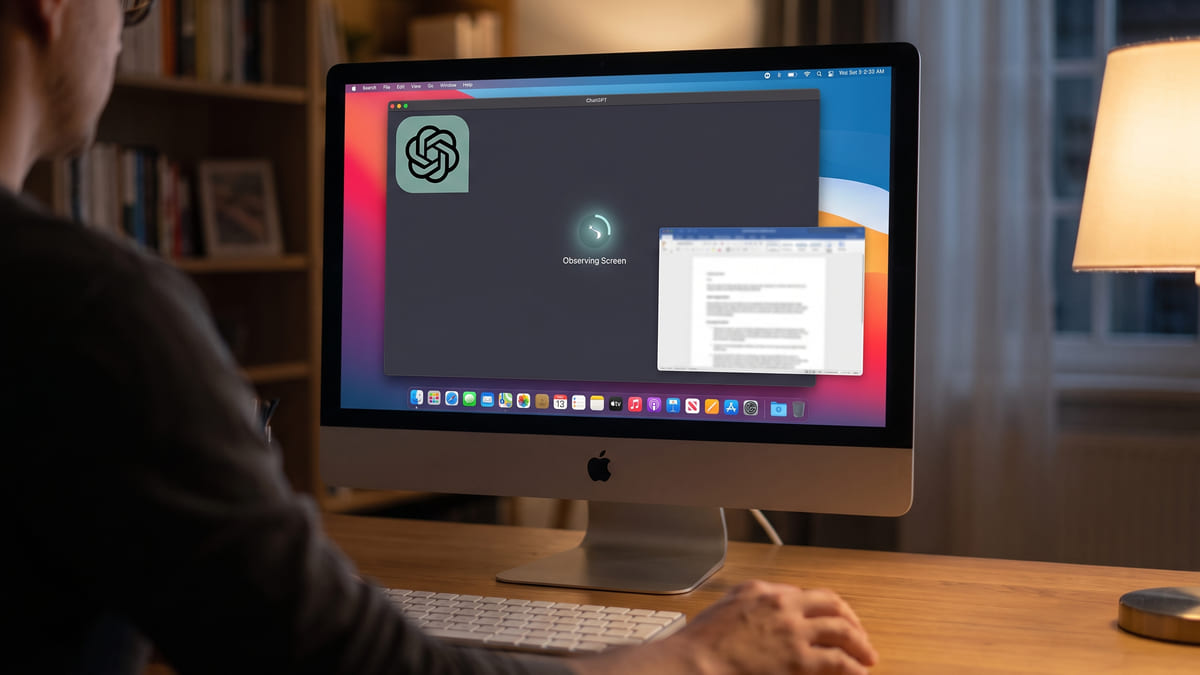
ChatGPT for Mac Can Watch You All Day
This is a decision, not a feature. Worth ten minutes before you tick the box, and ten minutes if someone else can tick it for you.

Founder, Automation Squad ·
The short answer
Computer History is an optional macOS feature for ChatGPT Pro, Business and Enterprise that turns your activity across approved apps and websites into memories ChatGPT and Codex can reference. It records interaction events — clicks, typing, keyboard shortcuts, app switches — and does not capture screenshots, screen recordings, microphone input or system audio. It is not available in the EEA, Switzerland or the UK.
Should you turn Computer History on?
What it captures, what it doesn't, how long it keeps things, and who else can switch it on. Read the table before the checklist.
Check whether this is even your decision
Pro users can self-enable. On Business and Enterprise an administrator turns on "Enable Computer History" under Workspace Settings, then Permissions & roles. If you are that admin, you are deciding for other people.
Read what it actually records, not what you fear it records
Interaction events through macOS accessibility APIs — where you clicked, what you typed, which app you moved to. OpenAI is explicit that screenshots, screen recordings, microphone input and system audio are not captured, and private-mode browsing is never included.
Decide what is on your screen that should never become a memory
Client data, salary information, someone else's medical or legal matter, credentials typed into a form. The question is not whether you trust the feature — it is whether the things you touch are yours to feed into it.
If you are an admin, write down who you are enabling it for and why
A workspace-wide toggle affecting what gets recorded on employees' own machines is the kind of decision that needs a sentence of reasoning attached to it, findable later by someone who was not in the room.
Know the two retention numbers
Temporary event files persist locally for up to 48 hours. The memories generated from them persist until deleted. Those are different clocks and people conflate them.
If you are in the UK, EEA or Switzerland, stop here
It is not available to you. Worth knowing before you spend an afternoon looking for the setting.
| Question | Answer |
|---|---|
| Captured | Clicks, typing, keyboard shortcuts, app switches |
| Not captured | Screenshots, screen recordings, microphone, system audio |
| Private browsing | Never included |
| Temporary event files | Kept locally up to 48 hours |
| Generated memories | Persist until you delete them |
| Platform | macOS only |
| Plans | Pro, Business, Enterprise |
| Not available in | EEA, Switzerland, United Kingdom |
| Who can enable it | Pro: you. Business/Enterprise: an admin |
Take it with you
CHATGPT COMPUTER HISTORY — decision checklist
macOS only · Pro, Business, Enterprise · opt-in
Source: https://automationsquad.com/news/chatgpt-mac-computer-history/

WHAT IT CAPTURES
  Clicks, typing, keyboard shortcuts, app switches
  (interaction events via macOS accessibility APIs)

WHAT IT DOES NOT CAPTURE
  Screenshots · screen recordings · microphone · system audio
  Private-mode browsing is never included

RETENTION — two different clocks
  Temporary event files ... up to 48 hours, locally
  Generated memories ...... until you delete them

NOT AVAILABLE IN
  EEA · Switzerland · United Kingdom

WHO ENABLES IT
  Pro .................. you
  Business/Enterprise .. an admin, under
                         Workspace Settings > Permissions & roles

THE DECISION
[ ] Is this my call, or an admin's?
[ ] What is on my screen that should never become a memory?
      [ ] client data
      [ ] salary / HR information
      [ ] someone else's medical or legal matter
      [ ] credentials typed into forms
[ ] If I'm the admin: have I written down who and why?
[ ] Do I understand the two retention clocks?OpenAI shipped Computer History for ChatGPT on macOS on August 13, 2026. It is optional, off unless switched on, and available on Pro, Business and Enterprise.
The facts, from OpenAI's own documentation: the feature turns your activity across approved apps and websites into memories and a searchable timeline that ChatGPT and Codex can reference. It records interaction events through macOS accessibility APIs — clicks, typing, keyboard shortcuts, app switches — and does not capture screenshots, screen recordings, microphone input or system audio. Private-mode browsing is never included. Temporary event files persist locally for up to 48 hours; the memories built from them persist until deleted. OpenAI states plainly that it "is not currently available in the European Economic Area (EEA), Switzerland, or the United Kingdom." Pro users can enable it themselves; on Business and Enterprise an administrator enables it under Workspace Settings, then Permissions and roles.
Automation Squad's take: the instinct is to react to the headline — an AI that watches your computer — and the detail is more interesting than the reaction. What it records is closer to a keystroke and click log than to surveillance footage, and OpenAI has been unusually specific about the exclusions. The genuine question is not whether the capture is invasive but whether what passes across your screen is yours to donate. Most people's screens carry other people's information: a client's numbers, a colleague's salary, a patient or a case. The regional exclusion tells you Anthropic's competitors are reading the same regulatory room. And on Business and Enterprise this is somebody else's toggle, which makes it a policy question rather than a personal preference.
Run this now: before touching the setting, spend two minutes listing what is actually on your screen during a normal working day, and mark anything that belongs to someone else. That list is the decision. If you administer a workspace, do the same exercise and then write one sentence recording who you enabled it for and why — the value of that sentence is entirely in existing six months from now, when somebody asks. And if you are in the UK, EEA or Switzerland, you can skip all of this; it is not available to you.
Questions people are asking
- Does ChatGPT's Computer History take screenshots of my screen?
- No. OpenAI's documentation states it records interaction events through macOS accessibility APIs — clicks, typing, keyboard shortcuts, app switches — and explicitly does not capture screenshots, screen recordings, microphone input or system audio.
- Is Computer History available in the UK or the EU?
- No. OpenAI states it is not currently available in the European Economic Area, Switzerland, or the United Kingdom.
- How long does Computer History keep my data?
- Two separate clocks. Temporary event files persist locally for up to 48 hours. The memories generated from that activity persist until you delete them.
- Can my employer turn Computer History on for me?
- On Business and Enterprise plans an administrator enables it under Workspace Settings, then Permissions and roles. Pro users enable it themselves. It is opt-in rather than on by default.
Further reading
- OpenAI — Computer History documentation — The authoritative description of what is captured, what is excluded, and how long it is kept.
Last checked August 13, 2026 against the primary sources above, by Automation Squad Research. Spot an error? [email protected].