
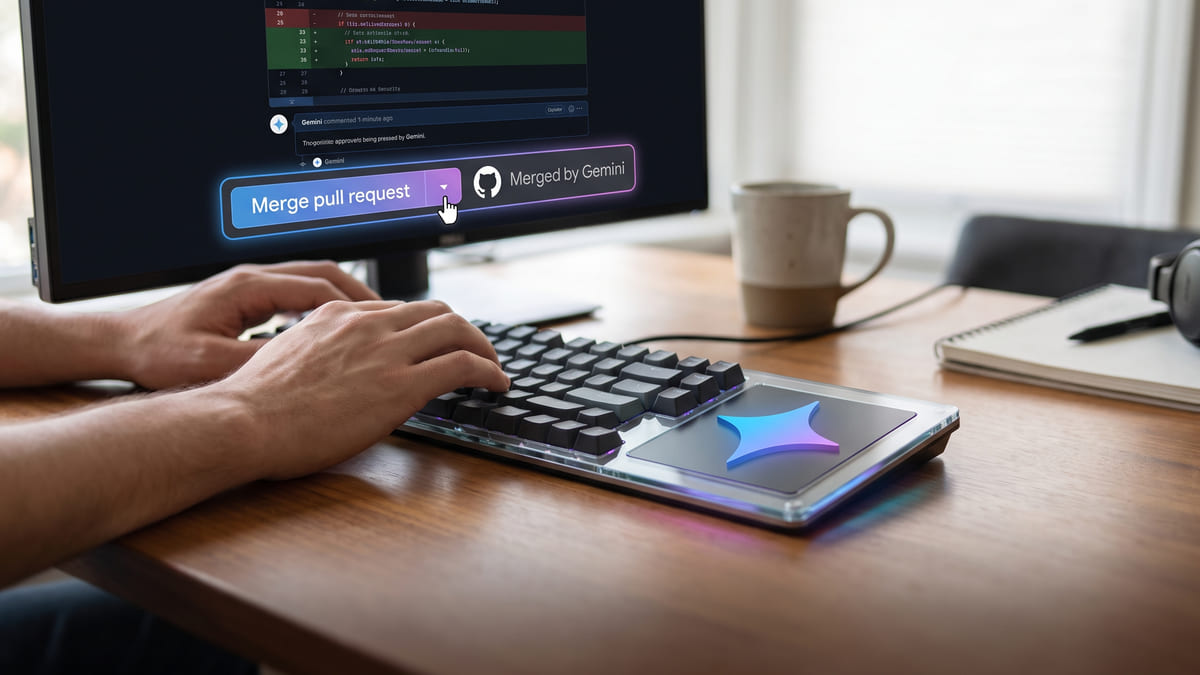
Gemini Can Now Merge Your Pull Requests
Read access is a search box. Write access is a colleague. The permission model matters a great deal more now.

Founder, Automation Squad ·
The short answer
Gemini Enterprise's GitHub connector reached general availability with data federation on August 12, 2026, adding write actions. Agents can create branches, comment on issues, merge pull requests and push files, rather than only reading repository contents.
Before you let an agent merge anything
The upgrade from read to write is the moment the permission model stops being theoretical. Twenty minutes, once.
Find out what the connector's identity can actually reach
Not what you intend it to touch — what its credentials permit. Those are different, and only one of them constrains an agent.
Check your branch protection rules still hold
Merging pull requests is the write action with the least reversible consequences. If protected branches, required reviews or required checks are configured, verify they apply to this identity rather than assuming.
Decide whether merging should be available at all
Creating a branch and commenting on an issue are cheap to undo. Merging to a main branch is not. It is entirely reasonable to enable the first three and not the fourth.
Know that custom MCP data stores are GA but off by default
Since August 7 you can connect your own MCP servers to reach private data in Gemini Enterprise. It is generally available but disabled by default and requires an organisation policy override — which is exactly the kind of switch teams do not know exists.
Log it, then review the log once
Whatever you enable, look at what it actually did after a week. The gap between what you expected an agent to touch and what it touched is only visible in retrospect.
| Capability | Status |
|---|---|
| Read repository contents | Previously available |
| Create branches | New — write action |
| Comment on issues | New — write action |
| Merge pull requests | New — write action |
| Push files | New — write action |
| Custom MCP server data stores | GA since Aug 7 — disabled by default |
Take it with you
GEMINI ENTERPRISE GITHUB CONNECTOR — GA with write actions
Aug 12, 2026
Source: https://automationsquad.com/news/gemini-enterprise-github-write/

WHAT'S NEW — it can now WRITE
  Create branches
  Comment on issues
  Merge pull requests      <- least reversible
  Push files

BEFORE ENABLING
[ ] What can the connector's identity actually reach?
      (not what I intend — what its credentials permit)
[ ] Do branch protection / required reviews / required checks
    apply to THIS identity?
[ ] Should merging be available at all?
      (branches + comments are cheap to undo; merges are not —
       enabling three of four is a legitimate choice)
[ ] Review the log after one week: what did it actually touch?

ALSO WORTH KNOWING
Custom MCP server data stores went GA in Gemini Enterprise on Aug 7,
but are DISABLED BY DEFAULT and need an org policy override.
That's a switch most teams don't know exists.Google moved the Gemini Enterprise GitHub connector to general availability with data federation on August 12, 2026, and added write actions to it.
The facts: agents can now create branches, comment on issues, merge pull requests and push files, where previously the connector could only read repository contents. The same release note period carries a related item worth knowing — since August 7, custom MCP server data stores are generally available in Gemini Enterprise, allowing you to connect your own MCP servers to reach private data, though they are disabled by default and require an organisation policy override. Google also removed the description field from custom MCP data stores on August 6, because Gemini Enterprise now auto-discovers tools from server endpoints.
Automation Squad's take: the jump from read to write is where connector announcements stop being convenience features and start being governance questions. A read-only integration is a search box with better manners. One that can merge a pull request is a colleague with commit rights and no performance review. None of that is an argument against enabling it — the argument is that the permission model you never examined is now the only thing standing between an agent and your main branch. Worth noting too that the four new capabilities are not equivalent: three of them are trivially reversible and one is not, and there is no rule saying you have to enable all four.
Run this now: before enabling anything, find out what the connector's identity can actually reach — its credentials, not your intentions. Then verify your branch protection rules apply to that identity specifically, because protections configured for humans do not always cover service identities. Enable the reversible actions first, leave merging off until you have watched it work for a week, and then go back and read the log to see what it actually touched rather than what you assumed it would.
Questions people are asking
- What write actions can the Gemini Enterprise GitHub connector perform?
- Creating branches, commenting on issues, merging pull requests and pushing files. Previously the connector was read-only.
- Should I let an agent merge pull requests?
- It is reasonable to enable the reversible write actions — branches, comments, pushes to non-protected branches — without enabling merges to a main branch. The capabilities differ enormously in how easily a mistake is undone.
- Can I connect my own MCP server to Gemini Enterprise?
- Yes. Custom MCP server data stores reached general availability on August 7, 2026, letting you reach private data. They are disabled by default and require an organisation policy override to enable.
- What is data federation in this context?
- It is what allows the connector to work against your repository data directly as part of the GA release, rather than requiring content to be indexed separately first.
Further reading
- Google — Gemini Enterprise release notes — Where connector changes land. Several significant ones never get press coverage.
Last checked August 12, 2026 against the primary sources above, by Automation Squad Research. Spot an error? [email protected].